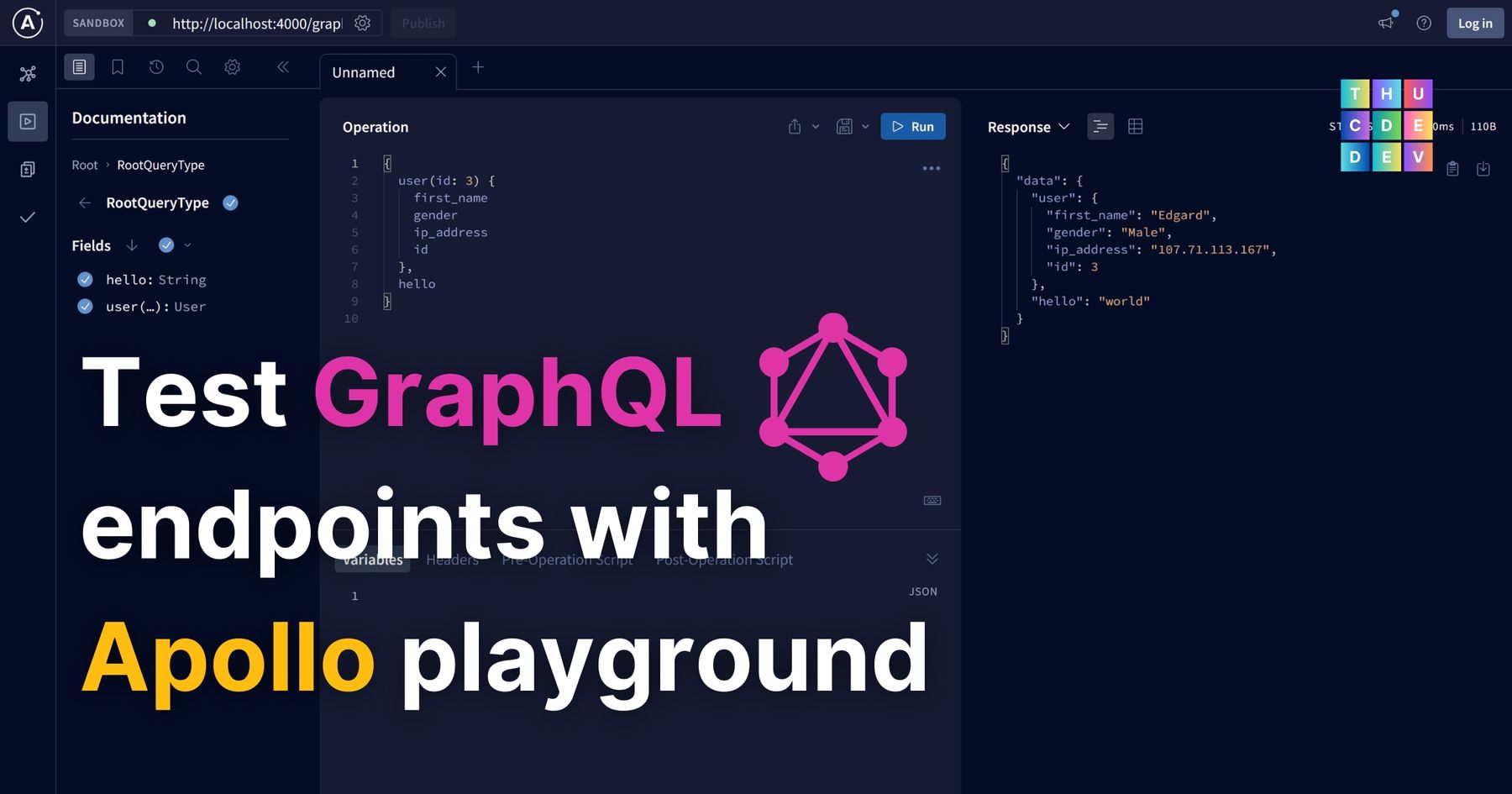
GraphiQL is a tool specifically designed to work with GraphQL APIs. In simpler terms, it's a user interface that helps developers interact with GraphQL APIs.
With this new tool, we no longer need to install additional package to display the GrapQL interactive playground, but we do it directly on the browser.
1. First, develop your GraphQL sever as you normally do.
2. Make sure to enable cors where necessary, if no rule is required, just put app.use(cors()) before any route.
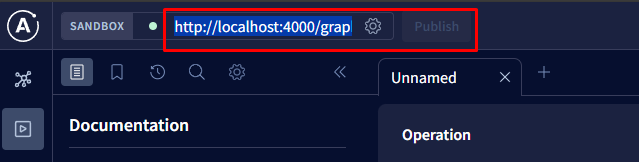
3. Paste in the URL to your GraphQL endpoint into the Apollo GraphQL Studio playground, like so
639 x 162, 13.8 KB, PNG
4. Verify if it works.
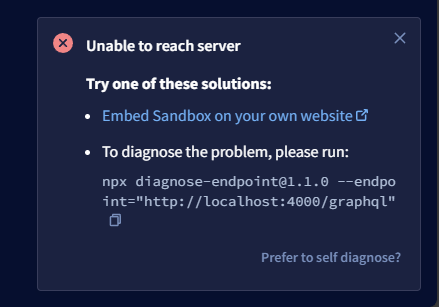
Sometimes, you need to update your app configuration so that your endpoint can be discovered by the playground.
439 x 307, 19.3 KB, PNG
In this case, app.use(cors()) can help
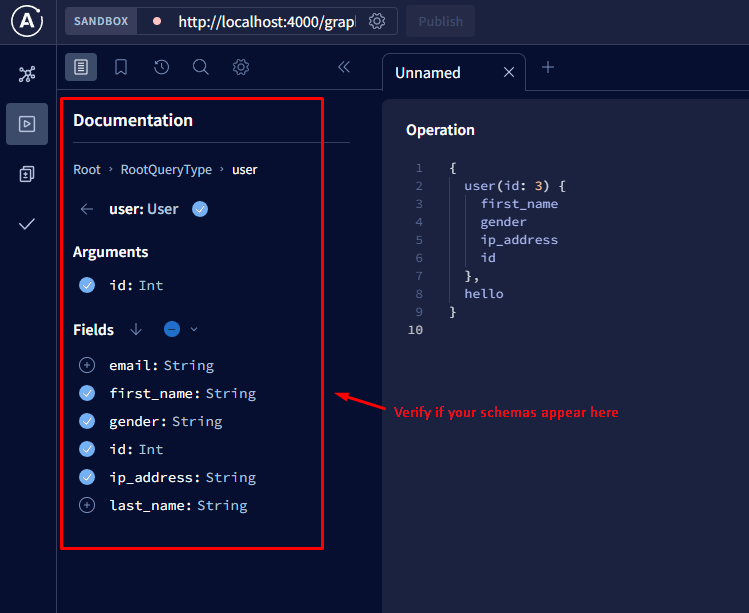
Another way to verify if it works is that to check the Document tab on the left side - that if it can show the config schemas of your GraphQL endpoint.
749 x 613, 47.3 KB, PNG
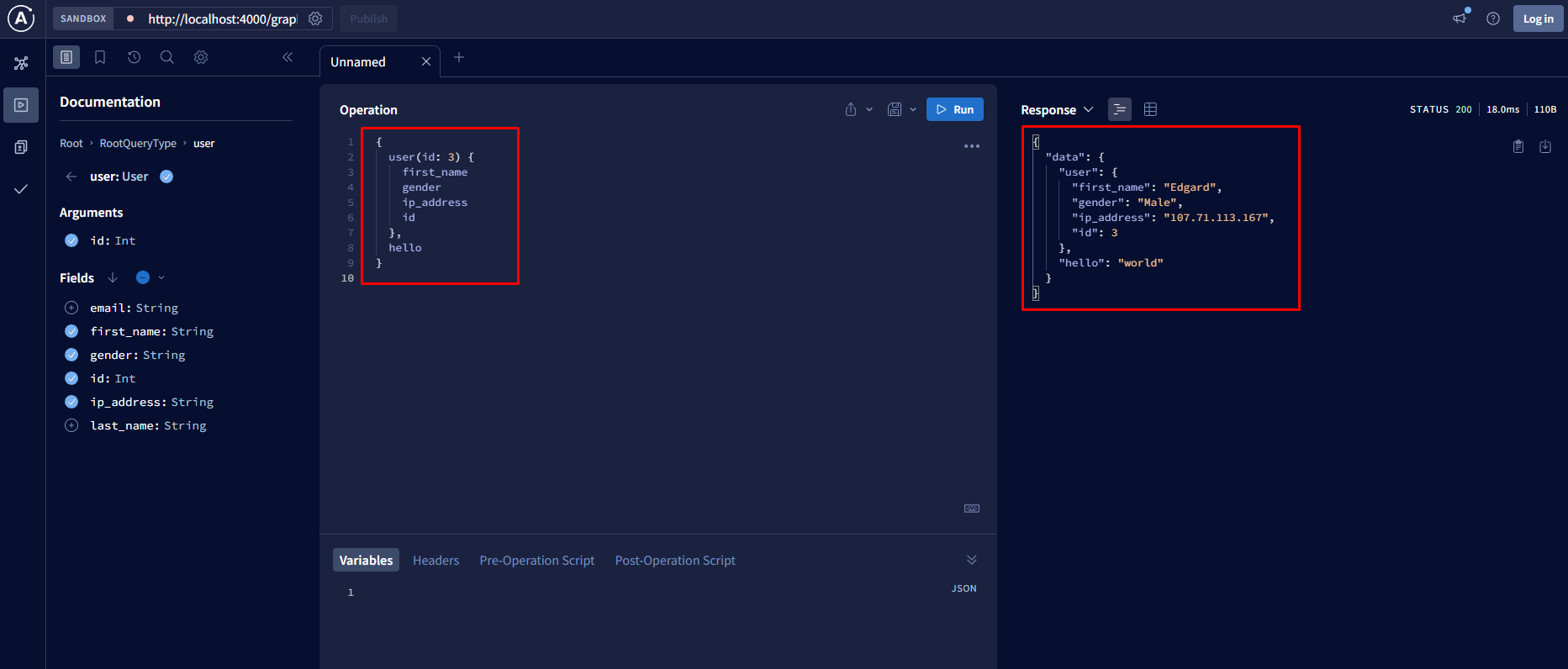
5. Test toward your schemas
1865 x 796, 96.6 KB, PNG
Write your first query and check if you get the expected result.