In React, as far as I know, we use a library to facilitate navigation between routes. This practice has been in place for a long time, even before I was familiar with React, and continues to this day, demonstrating its effectiveness and the benefits it offers.
Cách định nghĩa route trong react-router-dom v6
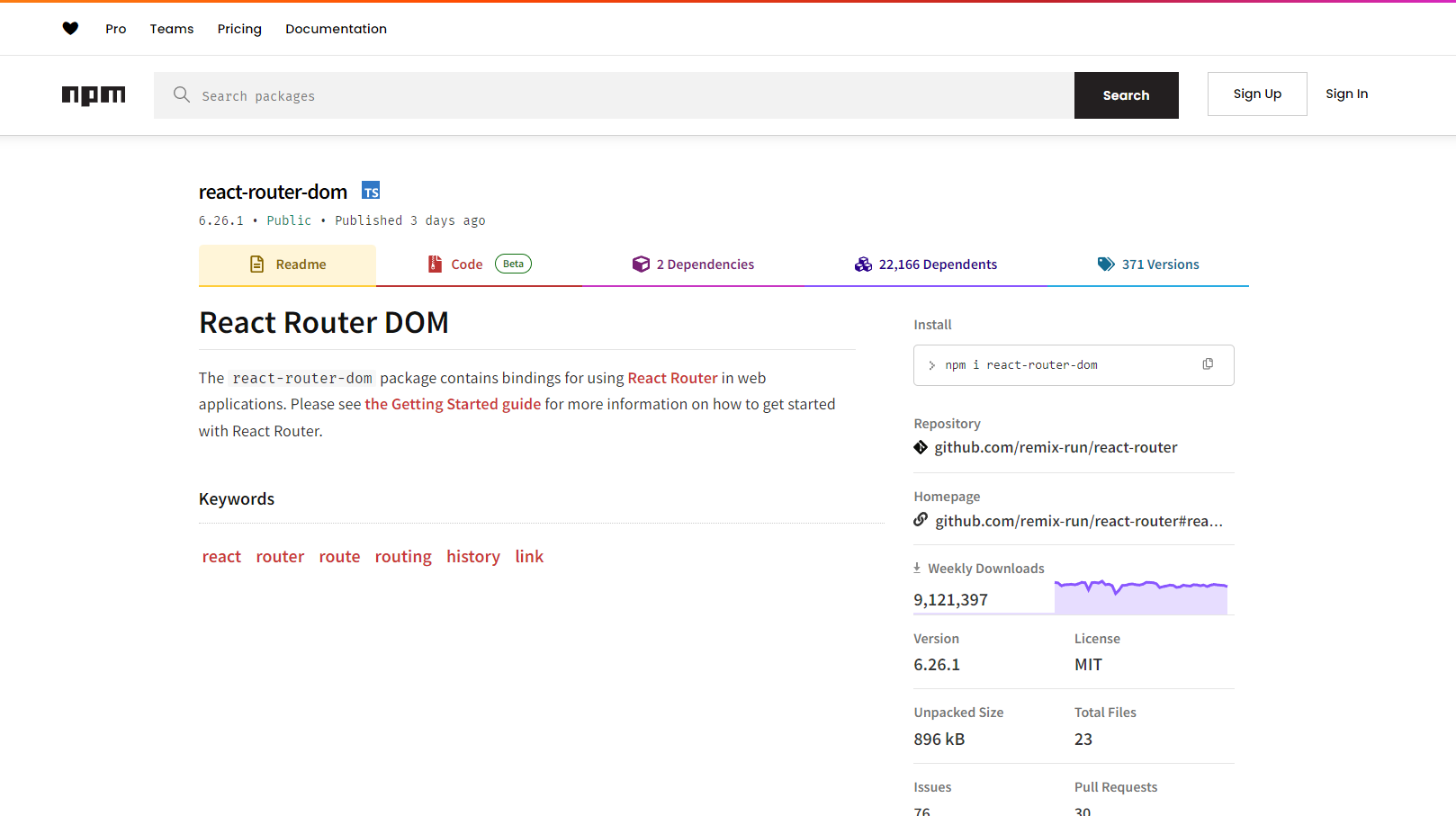
With React Router DOM, having around 9 million weekly downloads on NPM (including both existing and newly built websites) is a strong indicator of its quality and widespread adoption.
1618 x 907, 72.7 KB, PNG
React Router DOM, with over 9 million weekly downloads
So why does this article exist?
Because with Next.js, navigating between routes within a website has become much easier, ever since its early days.
This article is based on personal understanding and is intended for reference purposes only. It does not endorse or accept harmful opinions in any form. Constructive feedback is welcome.
Regarding the content
The article only provides an overview and does not delve into detailed explanations about any particular topic, serving as a general introduction to the series titled "Next.js is Amazing."
With older versions of React Router DOM, it was necessary to define all the "child" pages of your website within a root directory, such as App.jsx. This approach often became challenging when dealing with complex website structures that involved nested routes with various attributes and functionalities.
Let me provide an example.
jsx
// v4 and v5 before 5.1
function User({ id }) {
  // ...
}

function App() {
  return (
    <Switch>
      <Route exact path="/" component={Home} />
      <Route path="/about" component={About} />
      <Route
        path="/users/:id"
        render={({ match }) => (
          <User id={match.params.id} />
        )}
      />
    </Switch>
  );
}

// v5.1 preferred style
function User() {
  let { id } = useParams();
  // ...
}

function App() {
  return (
    <Switch>
      <Route exact path="/">
        <Home />
      </Route>
      <Route path="/about">
        <About />
      </Route>
      {/* Can also use a named `children` prop */}
      <Route path="/users/:id" children={<User />} />
    </Switch>
  );
}
An example of defining routing with older versions of React Router DOM can be found in the source: https://reactrouter.com/en/main/upgrading/v5.
This method, for me, was somewhat manageable when I was first getting used to it. Initially, I understood it and it worked fine, but over time, I found it to be somewhat 'so-so'. 🤔
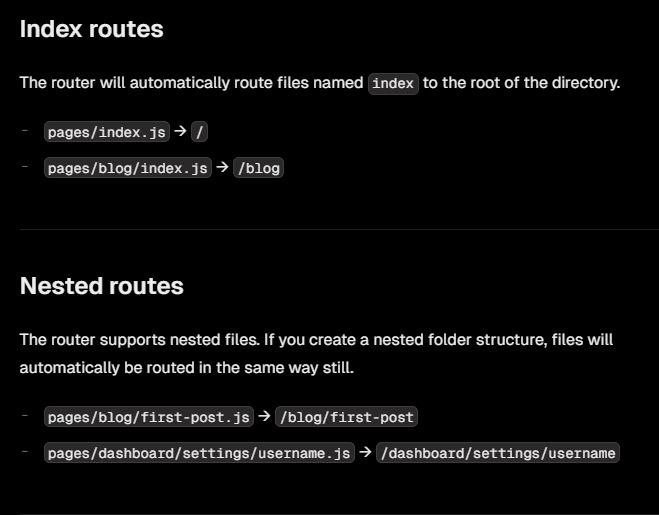
With Next.js, there is no need to install additional libraries to navigate between React pages. Instead, it defines routing through the file system structure.
659 x 515, 32.1 KB, PNG
A small example from the Next.js documentation on routing with the pages router. Source: https://nextjs.org/docs/pages/building-your-application/routing/pages-and-layouts
Next.js considers and optimizes navigation between "child" pages in an exceptionally efficient manner. It allows for building websites with comprehensive features, including dynamic routes, such as product detail pages.
Combined with Next.js's rendering methods, which allow a page to be generated entirely on the server, partially on the server and partially on the client, or entirely on the client, this creates a seamless process for building and optimizing websites. This approach ensures a smooth experience for users accessing the site, and even for developers who's building with Next.js.
As mentioned at the beginning of the article, React Router DOM now allows defining routes through objects. This approach is significantly more convenient than before and results in cleaner and more manageable code.
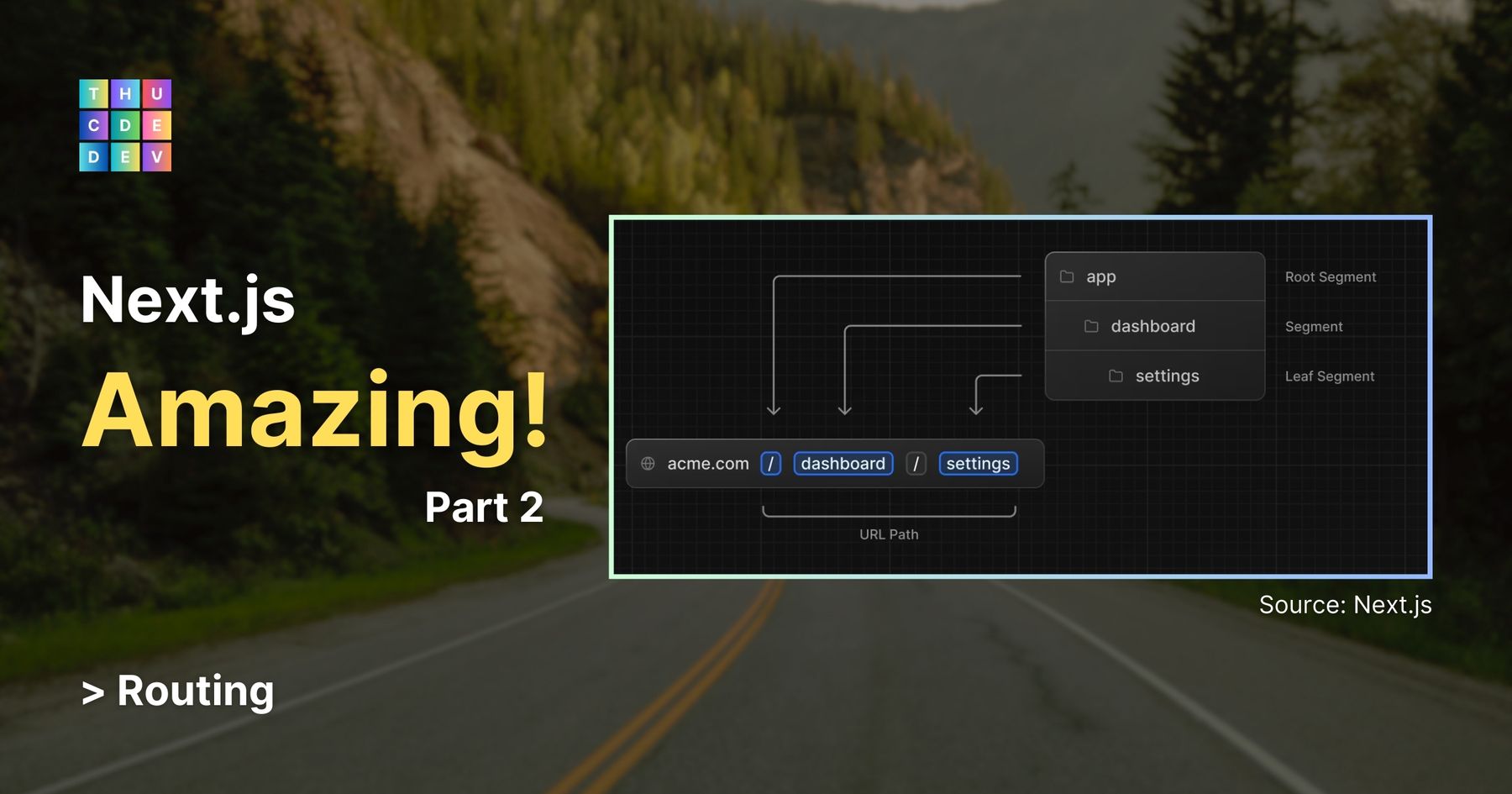
“In version 13, Next.js introduced a new App Router built on React Server Components, which supports shared layouts, nested routing, loading states, error handling, and more.
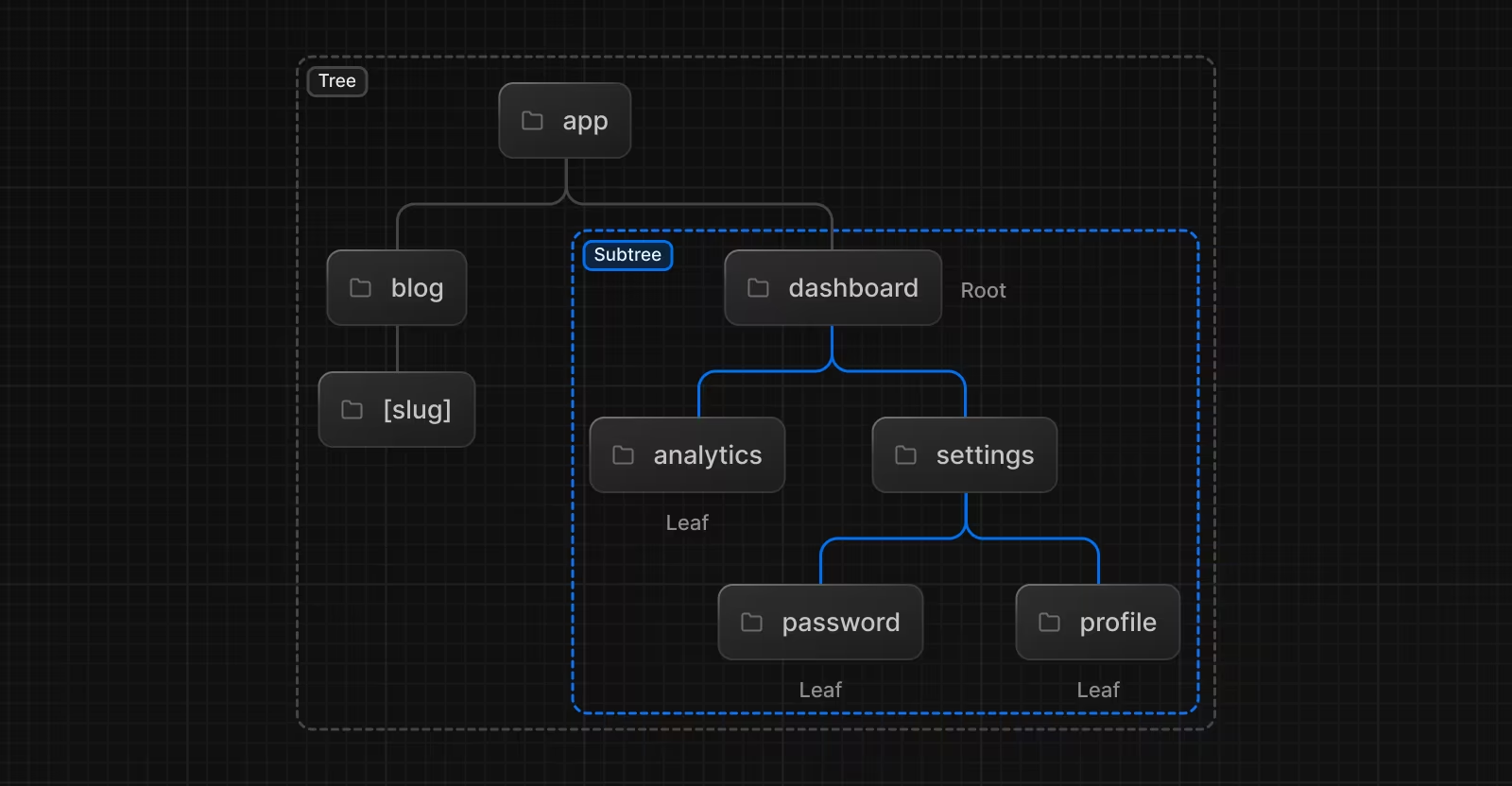
Managing routes with the Next.js app router has become easier than ever. Your website appears as a well-organized folder structure, making it more intuitive and structured.
Next.js places a strong emphasis on developer experience, often referred to as DX. As a result, working with Next.js might give you a sense of amazement due to its convenience and comprehensive features.