Loading Thucde.dev
Preparing the next view.
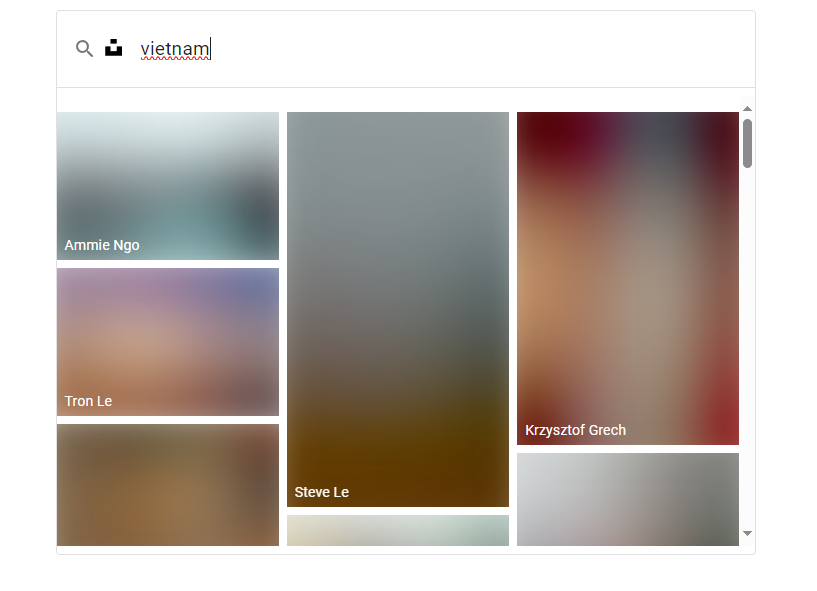
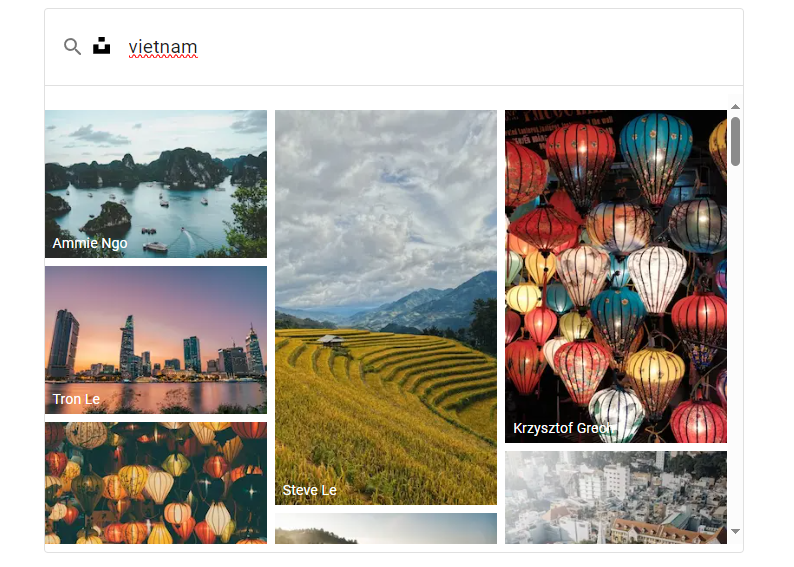
blurDataURL for Image component of next/image!import * as blurhash from 'blurhash'; // Import the blurhash library // Function to decode a BlurHash to a base64-encoded image export function blurHashToBase64(blurHash: string, width: number, height: number): string { // Decode the BlurHash to raw pixel data const pixels = blurhash.decode(blurHash, width, height); // Create a canvas element const canvas = document.createElement('canvas'); canvas.width = width; canvas.height = height; const ctx = canvas.getContext('2d'); if (ctx !== null) { // Your existing code here // Create an ImageData object and put the pixel data into it const imageData = ctx.createImageData(width, height); for (let i = 0; i < pixels.length; i++) { imageData.data[i] = pixels[i]; } ctx.putImageData(imageData, 0, 0); // Convert the canvas to a base64-encoded image (PNG format) return canvas.toDataURL(); } // in this case, you might want to return a neutral image or an empty string return ''; }
Create a function that converts the BlurHash string into image format.
<Image
  blurDataURL={blurHashToBase64(
    item.blur_hash,
    200,
    200
  )}
  placeholder="blur"
/>;
How to use the function with Next.js Image component.