If you find yourself in a situation where you've been tasked with building a change request, analyzed, estimated, and started working on it, only to realize afterward that it doesn't work as expected because what you're building relies on an outdated library that doesn't support upgrades and has many bugs, here's what you could consider:
1. Upgrade the library: Assess if upgrading the library to a newer version that supports the features you need and fixes existing bugs is feasible. This could potentially solve the issues you're encountering.
2. Build from scratch: If the library cannot be effectively upgraded or if the existing version poses significant limitations, consider rebuilding the functionality from scratch using a modern and supported library or framework. This approach ensures you have full control over the codebase and can incorporate the latest features and fixes.
3. Communicate the situation: It's essential to inform stakeholders, such as your project manager or client, about the challenges you've identified with the current setup. Clearly outline the reasons why continuing with the current approach is not feasible or effective. Discuss possible solutions (like upgrading or rebuilding) and their implications in terms of time, resources, and project goals.
Choosing between upgrading the library or rebuilding from scratch depends on various factors such as the complexity of the existing code, time constraints, budget, and long-term project requirements. Ultimately, the goal is to ensure that the final solution is robust, maintainable, and meets the project's objectives effectively.
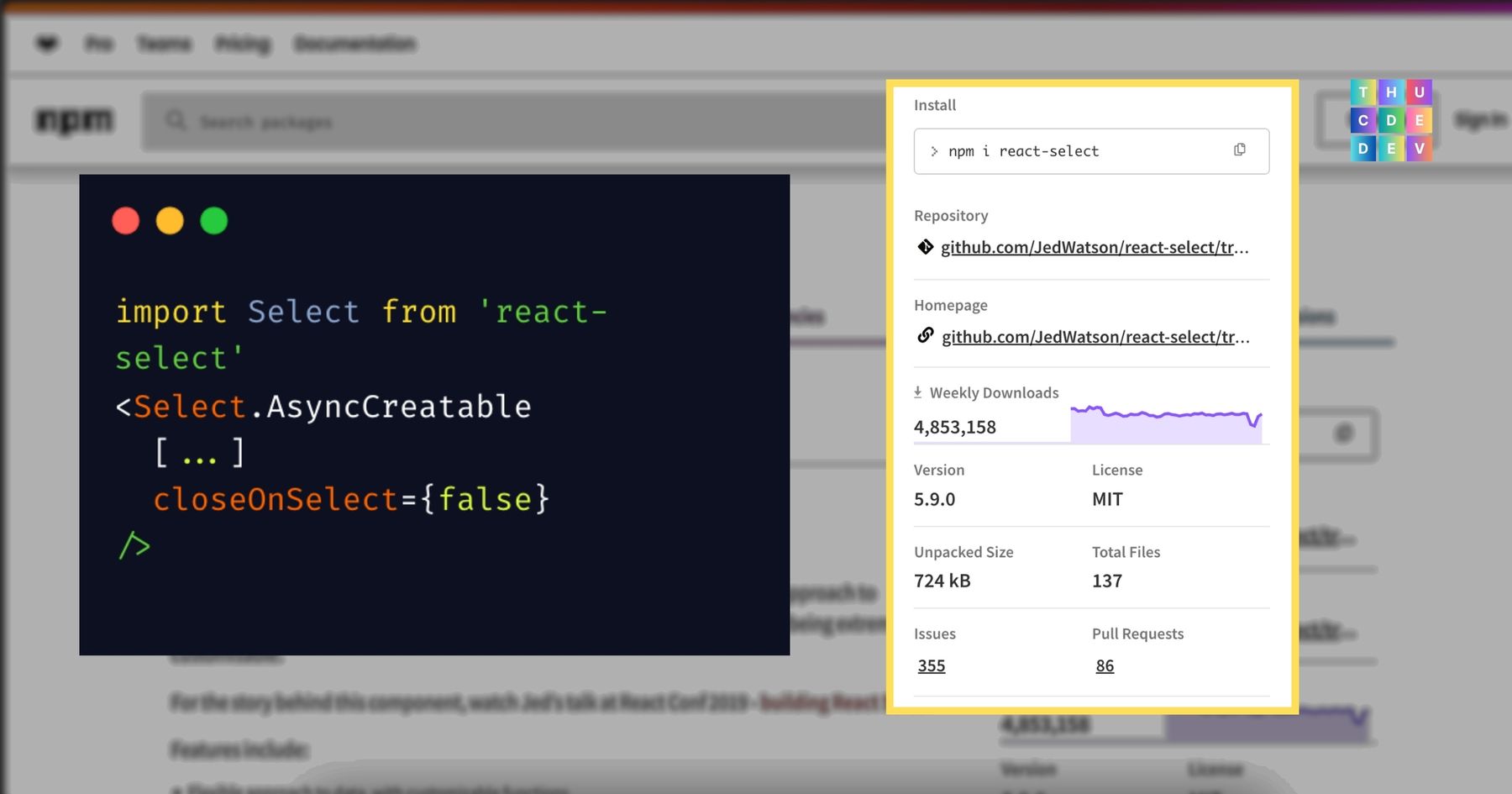
There could be more options available depending on the situation to choose the best approach. I am facing a similar situation where I am creating a change request for a component built on a library called react-select version 1.2.1. The requirement is to modify it so that users can select multiple options instead of just one and without needing to click again to add more. However, I did not realize that the library being used has a bug, and its API does not function as expected.
jsx
import Select from 'react-select' // version 1.2.1

<Select.AsyncCreatable
    [...]
    closeOnSelect={false}
/>
closeOnSelect doesn't work as expected
As in the code snippet above, initially I thought just adding closeOnSelect set to false would allow users to select more than one option, but it's not as simple as that. This library, especially this version, has a lot of bugs. And this prop is just not.. working.
This is also an option if your application/system has minor technical debt, and this library was upgraded shortly after you installed its previous version. What I mean is the likelihood of unexpected/major changes is not too high, or if there are any, they are manageable.
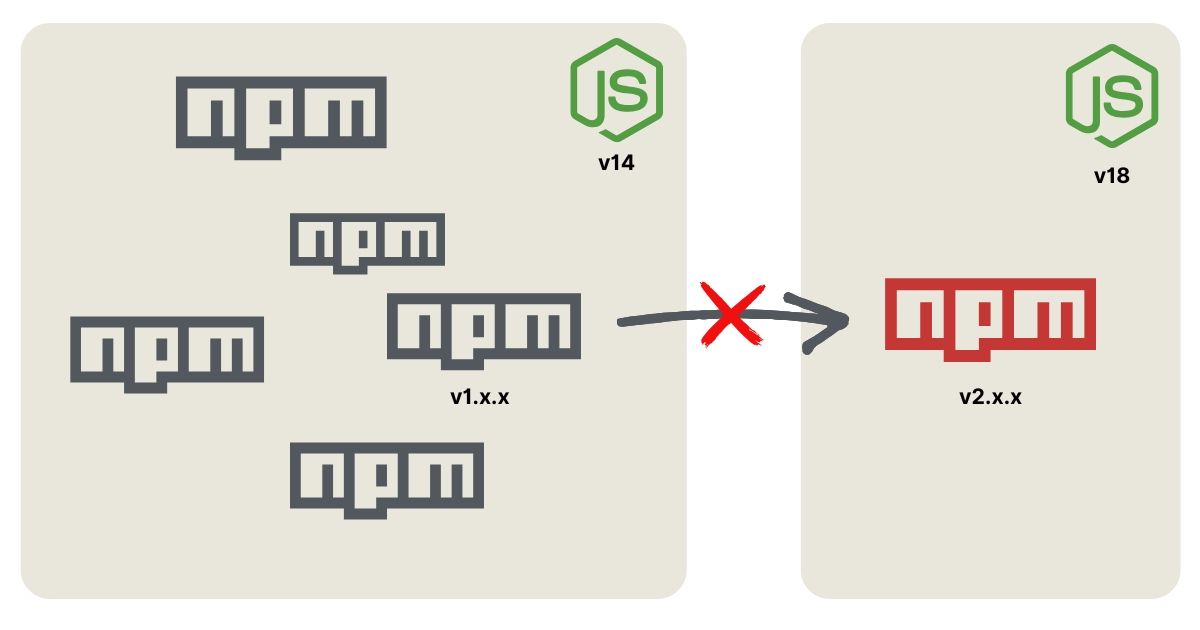
In my case, this isn't possible because everything runs on an older environment version, with old libraries, and simply upgrading the library isn't an option.
For example, you can't buy an Apple Pencil Pro hoping it will work on your 4th generation iPad.
1200 x 630, 35.3 KB, JPG
You can't just upgrade a library without considering other conditions.
You announce to everyone that you didn't expect this to be unfeasible, simply because what you're doing heavily relies on a third-party library that can't be upgraded because there's a high chance everything will break.
Try everything and see if there's a chance to build it without upgrading.
I applied this approach by reading the original code and tried many methods, but it still didn't work. I then tried to 'use' AI, tried so many things, and it was already 1 AM with no result.
So, I went all in for the last time: there’s a function triggered by a mouse event, maybe I can find a way to... simulate that event? And the result was that I managed to control the component's state from the outside indirectly.
jsx
const el = document.getElementById(`select-${this.props.name}`);
const selectControl = el && el.querySelector('.Select-control');
if (selectControl) {
    const event = new MouseEvent('mousedown', {
        bubbles: true,
        cancelable: true,
        button: 0
    });
    selectControl.dispatchEvent(event);
}
Trigger component's event by programatically
In this example, the event is triggered when the user clicks on the component. I simulated it, and it makes the component behave as I want even though it doesn't inherently support this.
What I mentioned above is to say that a problem can be solved in many different ways (especially when you're doing JavaScript 👌). The more you try, the more you learn about possible solutions, which in turn opens up more possibilities.
Iykyk, if you're facing with closeOnSelect={false} in react-select, maybe I can help :)