While developing a new cool application, I figured out how to deal with BlurHash strings. If you have heard about this before, you may notice that passing the BlurHash string won't help with your image loadings. See below:
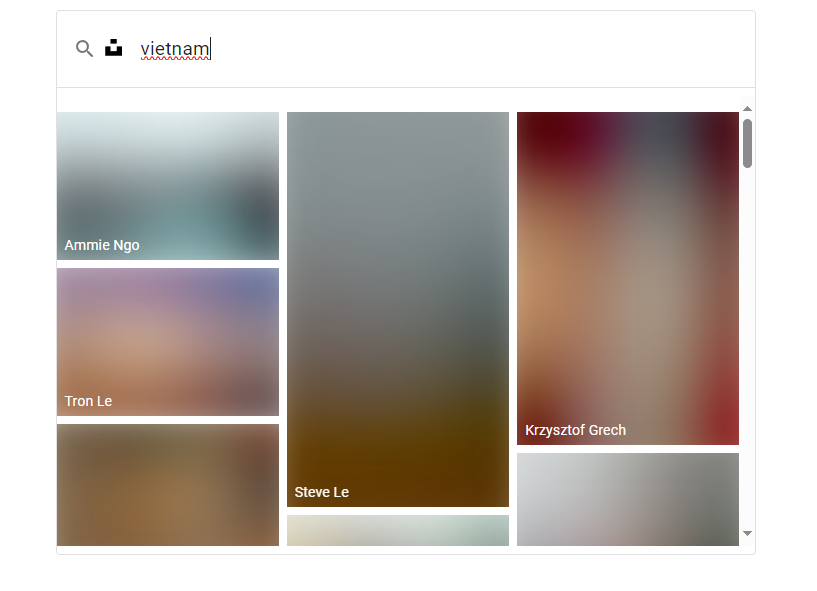
817 x 591, 270.3 KB, PNG
Blurry images being displayed while the images are still being downloaded.
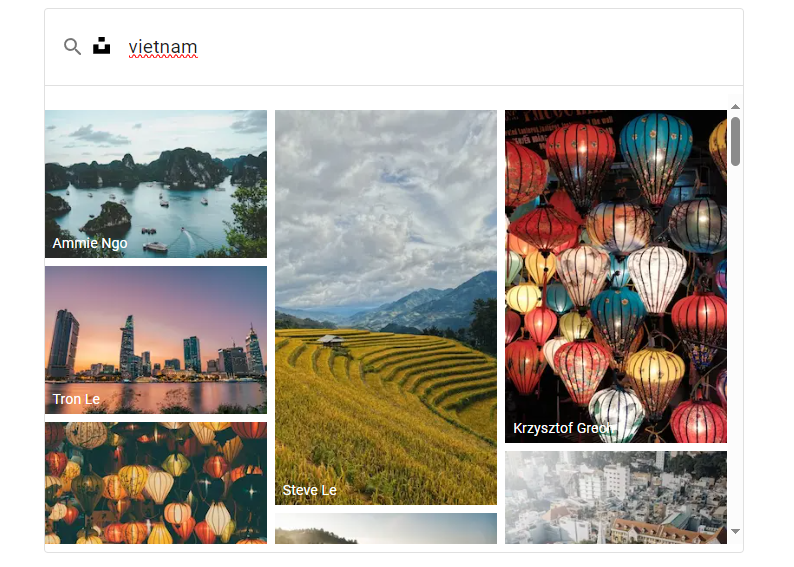
794 x 567, 709.0 KB, PNG
When each of the images is loaded, the real image will be displayed
In this example, we fetch the image data from Unsplash, with then Unsplash returns an object with images (including a blur_hash string for each), this app then decodes those blur_hash strings into image data (in base64 format), then shows them immediately in prior to the real image that still being loaded.
==> This helps the users to see a very first blueprint of the real image, improves the page's feel and look.
So how?
You may be thinking that it just the BlurHash that we want to use them to display quickly before the real image.
But it is actually one more step that we might be missing - decoding.
To get that BlurHash to work, you need to decode that string into base64 or image readable formats. For me, I convert it to base64 before using it as a blurDataURL for Image component of next/image!
No more beating around the bush, I'll get straight to the code.
tsx
import * as blurhash from 'blurhash';

// Import the blurhash library

// Function to decode a BlurHash to a base64-encoded image
export function blurHashToBase64(blurHash: string, width: number, height: number): string {
  // Decode the BlurHash to raw pixel data
  const pixels = blurhash.decode(blurHash, width, height);

  // Create a canvas element
  const canvas = document.createElement('canvas');
  canvas.width = width;
  canvas.height = height;
  const ctx = canvas.getContext('2d');

  if (ctx !== null) {
    // Your existing code here
    // Create an ImageData object and put the pixel data into it
    const imageData = ctx.createImageData(width, height);
    for (let i = 0; i < pixels.length; i++) {
      imageData.data[i] = pixels[i];
    }
    ctx.putImageData(imageData, 0, 0);

    // Convert the canvas to a base64-encoded image (PNG format)
    return canvas.toDataURL();
  }

  // in this case, you might want to return a neutral image or an empty string
  return '';
}
Create a function that converts the BlurHash string into image format.
Then just use it before passing into your image!
For example, in Next.js Image component, use it like so: