
1 min read
Are you facing the same issue with Husky Pre-commit on GitHub Desktop?
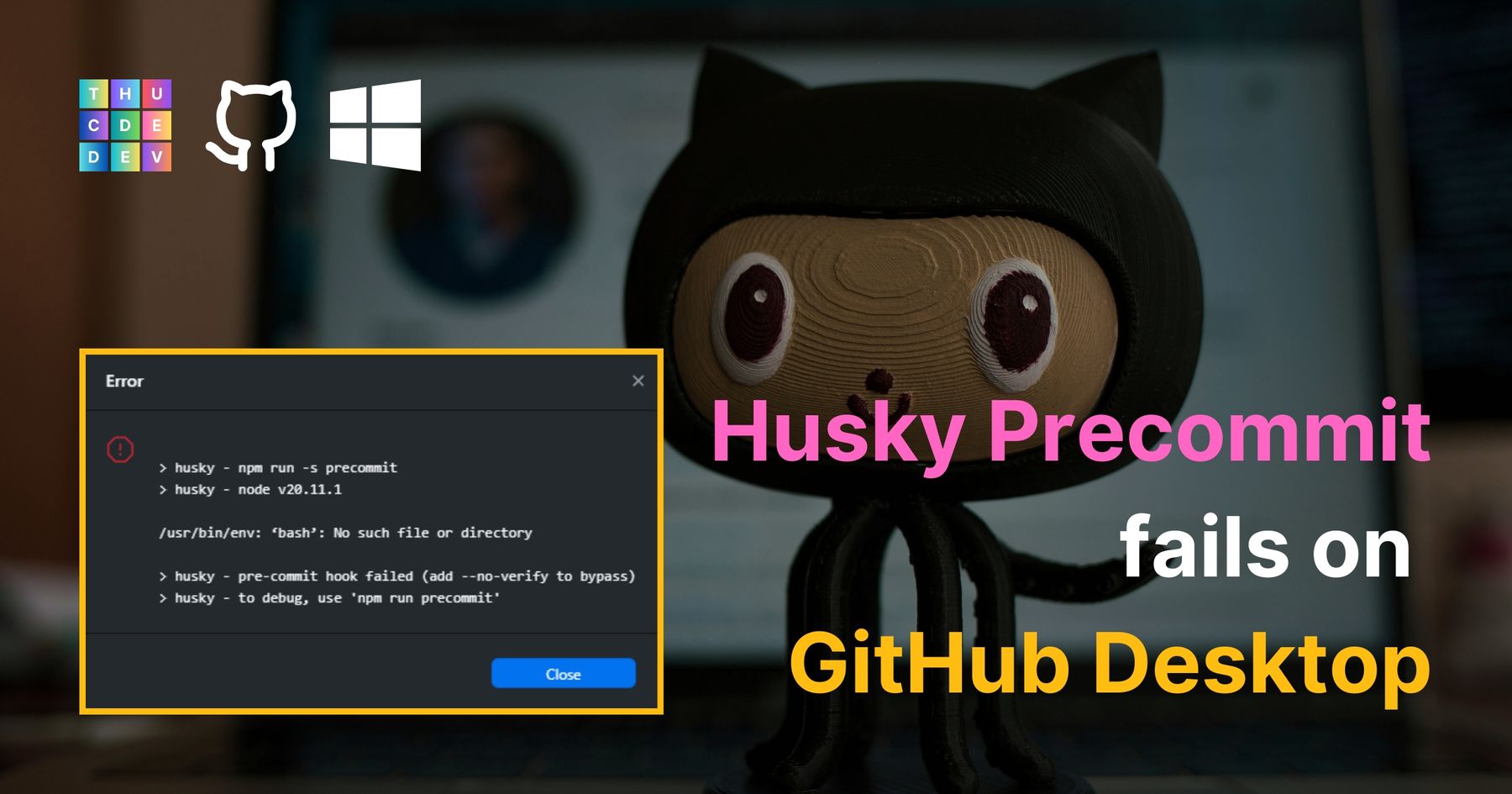
Let's fix the Husky Git pre-commit hook failures on GitHub Desktop on Windows!
First, if you are facing the same issue as mine, please try the following steps:

First, copy the following text, you may need to update this to reflect your actual location of Git Bash bin.
C:\Program Files\Git\bin
Copy this text, adjust to your Git Bash bin if needed
Then, type "environment" in the Windows search bar (on the bottom left of the screen), select "Edit the system environment variables"
Under Advanced tab (we're here by default), click on Environment Variables" near the bottom of the pop-up window.
Then, under "System variables", locate the "Path" variable row, double click on it.
Another window is shown up, click on "New" and paste the copied text before.
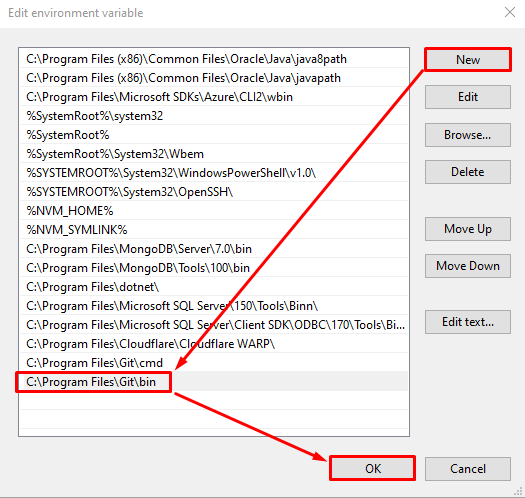
Then click OK, then OK, then OK to save the setting.
Next, you need to quit the GitHub desktop completely (by clicking File > Quit on the app) and open again, try to commit some changes to see if it works.
That's it! Hope this helps.