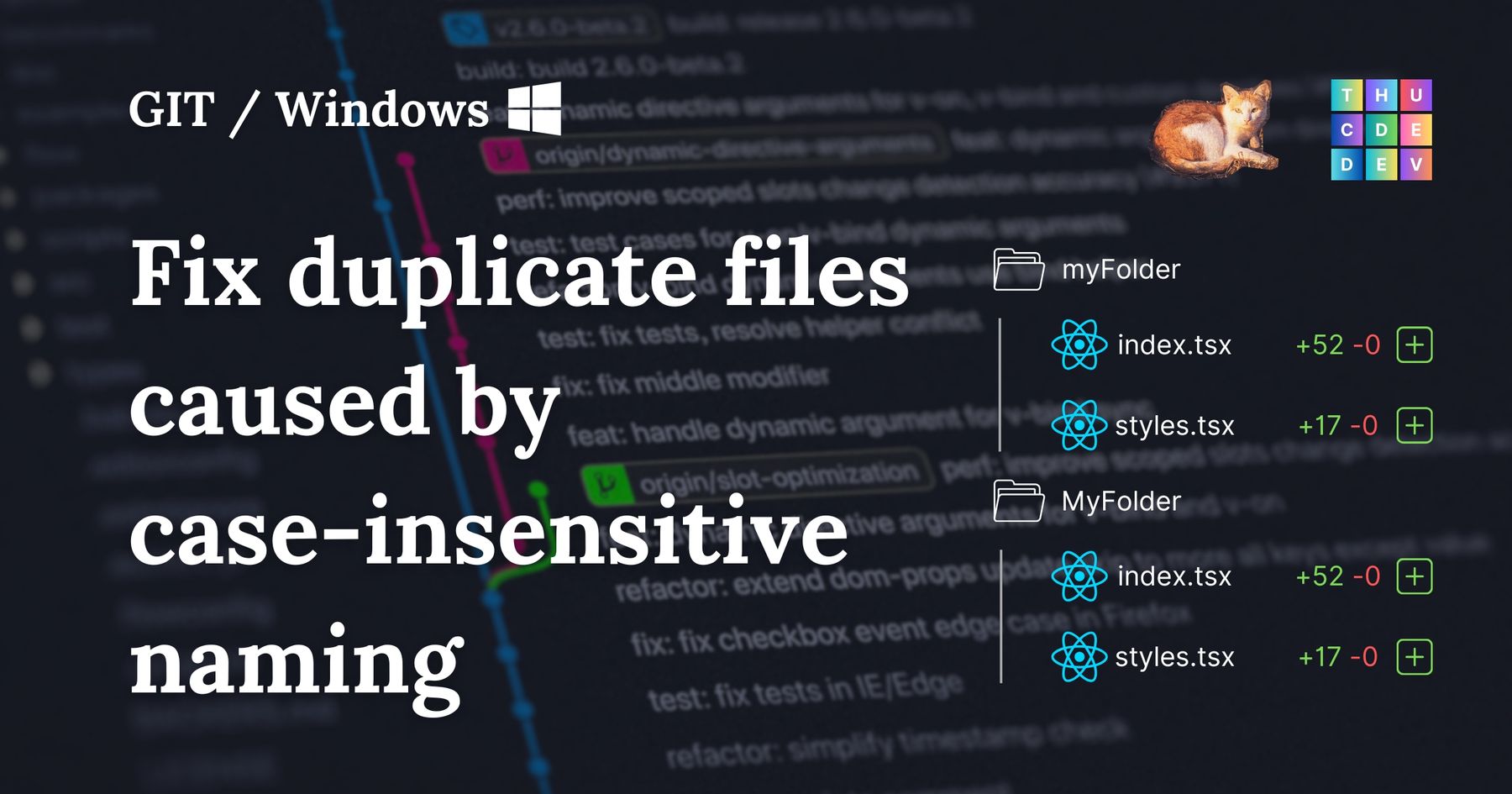
Have you ever faced the situation that even using git mv -force doesn't work. Or have you ever decided to rename a file or a folder just by changing letter's case and ran into an issue that git doesn't detect changes, or has two versions of the same changes, one for old name, one for new?
If those cases don't work for you, maybe this blog would help, at least one more try.
And if following some instructions online also doesn't work out.

Sometimes, you may end up with 2 changes with just different names!
So here's the way
In VSCode, right click on the folder or file and select "Copy relative path"
For example, we want the "draggableDialog" folder to be renamed to "DraggableDialog" folder, but in git change shows 2 of them, we can do like this
git mv just-copied-relative-path temp-path

# example
git mv src/components/atoms/draggableDialog src/components/atoms/temp
Rename your folder/file to a temporary name
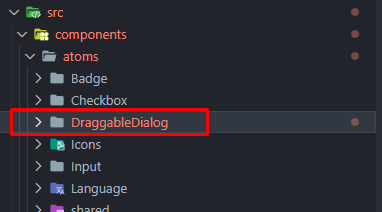
For example, the draggableDialog isn't there, but you can just copy the relative path of this DraggableDialog (saving your time typing) and do as the following:
git mv src/components/atoms/draggableDialog src/components/atoms/temp
Now is to do one more time, to the name that you prefer your file/folder has.
The syntax is pretty the same.
git mv temp-path your-desired-path

# example
git mv src/components/atoms/temp src/components/atoms/DraggableDialog
Revert the name from temporary path name to your desired name
Now, you can verify if you can actually rename the folder/file by checking your git changes, could be via GitHub desktop, then commit changes.

It's tricky to rename folders/filenames by just changing the case, but sometimes it's the only option we have.
I hope this helps! Let me know if you have any question or comment.