
2 phút đọc
Bạn có đang gặp phải lỗi tương tự với Husky Pre-commit trên GitHub Desktop không?
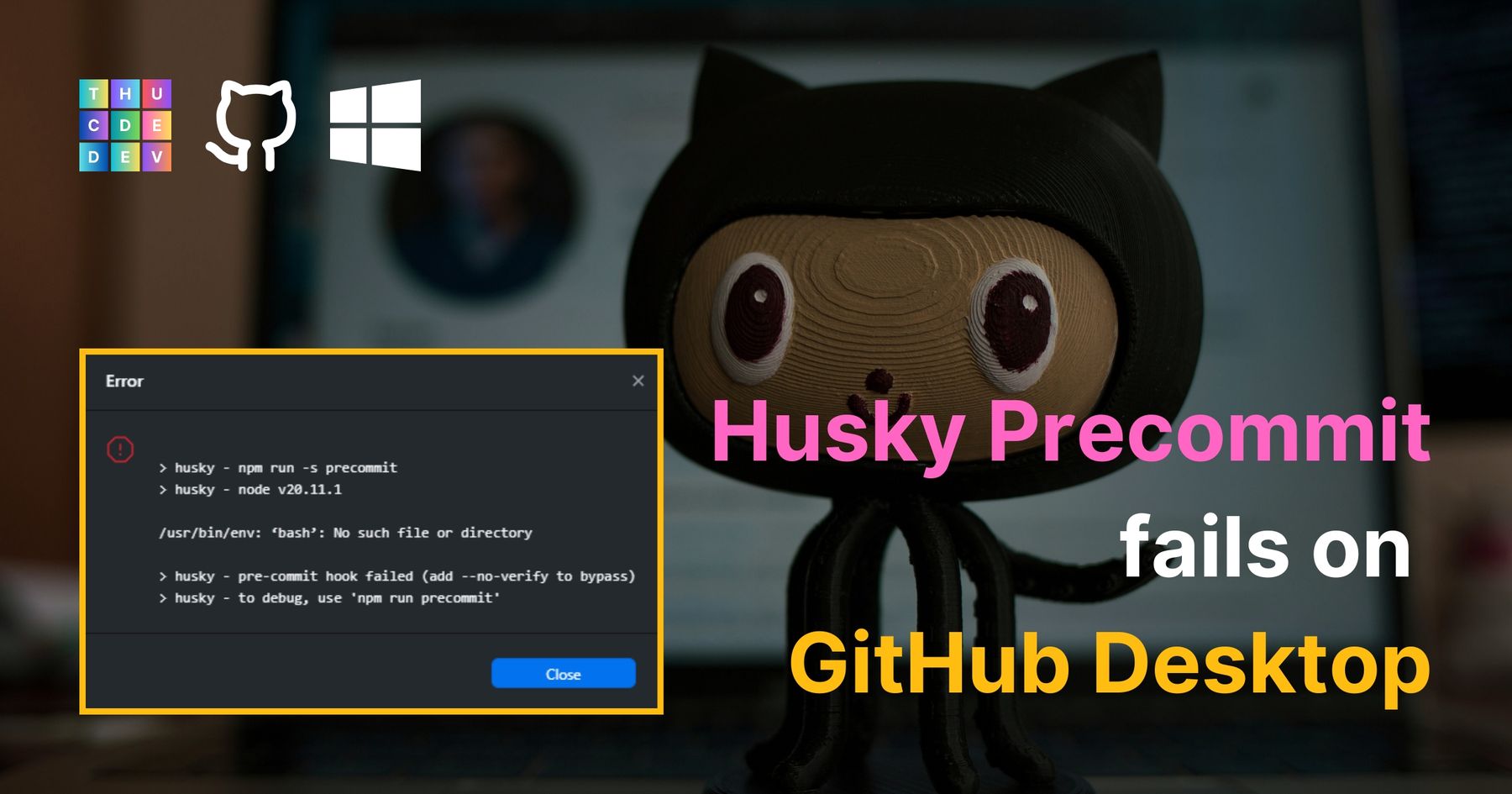
Hãy cùng sửa các lỗi hook Git pre-commit của Husky trên GitHub Desktop trên Windows nhé!
Đầu tiên, nếu bạn đang gặp phải lỗi giống như tôi, vui lòng thử các bước sau:

Đầu tiên, hãy sao chép đoạn văn bản sau, bạn có thể cần cập nhật lại cho đúng với vị trí thực tế của thư mục Git Bash bin của mình.
C:\Program Files\Git\bin
Sao chép đoạn văn bản này, điều chỉnh thành thư mục Git Bash bin của bạn nếu cần thiết
Sau đó, nhập "environment" vào thanh tìm kiếm của Windows (ở góc dưới bên trái màn hình), chọn "Edit the system environment variables"
Tại tab Advanced (chúng ta đang ở đây theo mặc định), nhấp vào "Environment Variables" ở gần phía dưới cùng của cửa sổ bật lên.
Tiếp theo, dưới mục "System variables", tìm dòng biến "Path" và nhấp đúp vào nó.
Một cửa sổ khác sẽ hiện ra, nhấp vào "New" và dán đoạn văn bản đã sao chép lúc trước vào.
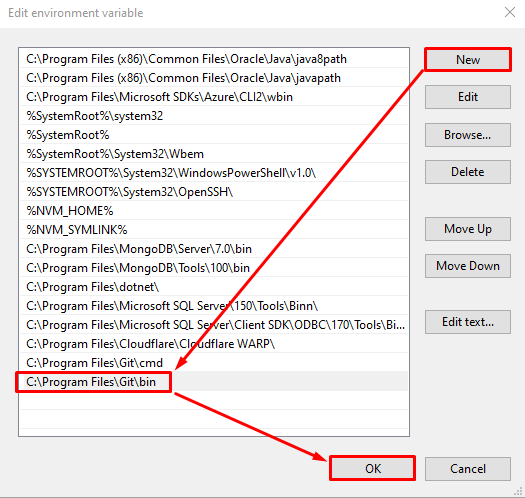
Sau đó nhấp OK, rồi OK, rồi OK tiếp để lưu cài đặt.
Tiếp theo, bạn cần thoát hoàn toàn ứng dụng GitHub Desktop (bằng cách nhấp vào File > Quit trên ứng dụng) và mở lại, thử commit một số thay đổi để xem nó đã hoạt động chưa.
Vậy là xong! Hy vọng bài viết này giúp ích cho bạn.